


Top 10 Tools to Freely Remove Background of Photo and Image in 2024
Why Photiu.ai Stands Out
In today's digital age, removing backgrounds from images has become essential for various purposes, ranging from e-commerce to personal projects. Numerous AI-powered tools are available, each offering a unique set of features. In this article, we will compare the top 10 AI background removal tools to help you make the best choice for your needs.
1. Photiu.ai
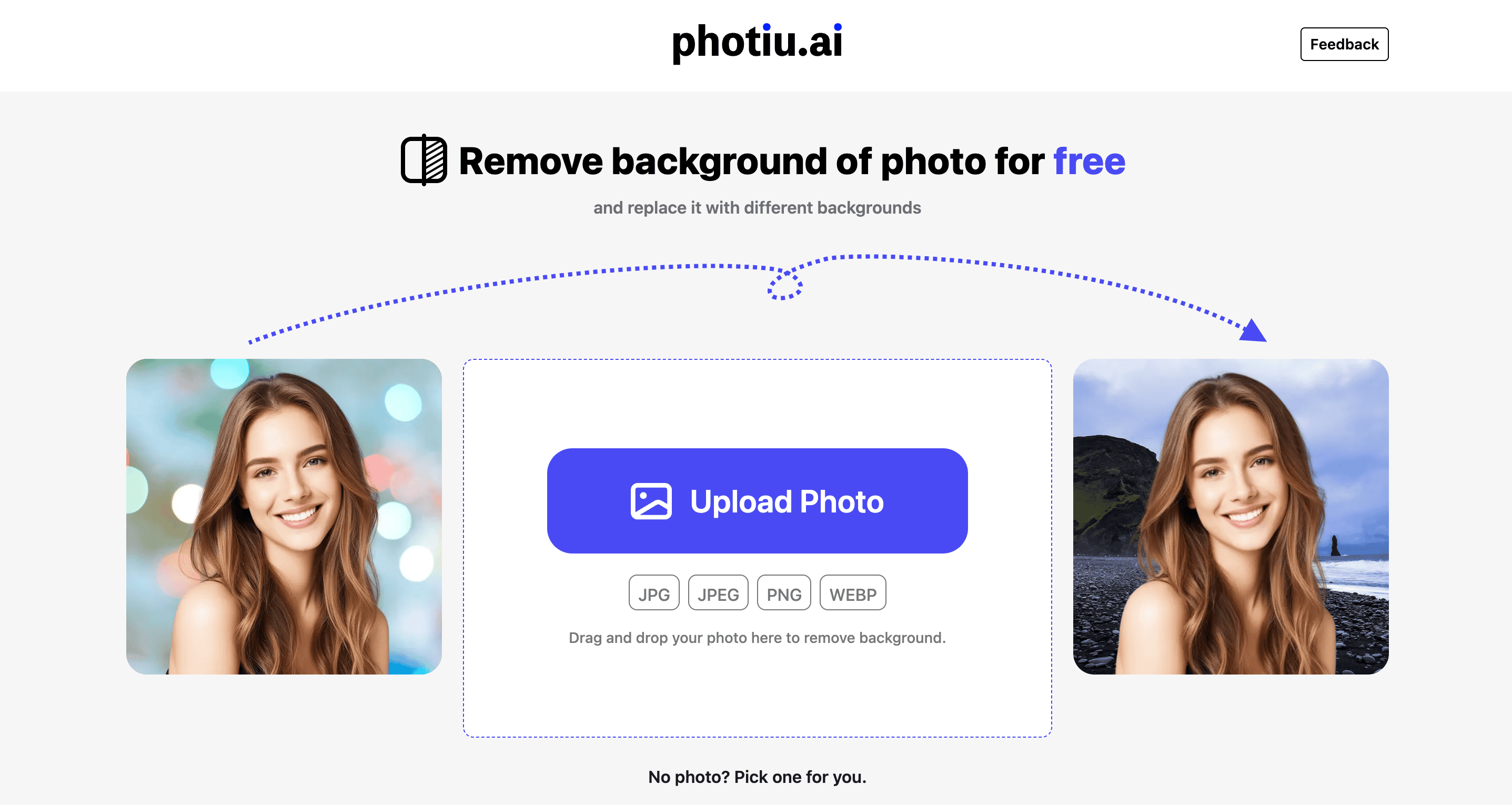
Photiu.ai offers an intuitive, user-friendly interface that makes background removal a breeze. With advanced AI technology, it ensures precise and efficient results. One of its standout features is the ability to download high-resolution images for free, unlike many other tools that require payment for HD downloads.
Pros:
- Free Download for High-Resolution (HD) Images
- Simple and easy to use
- High-quality background removal
- Supports multiple file formats
Cons:
- Limited advanced editing features
Pricing:
- Free: Includes unlimited high-resolution downloads and basic features
2. Remove.bg
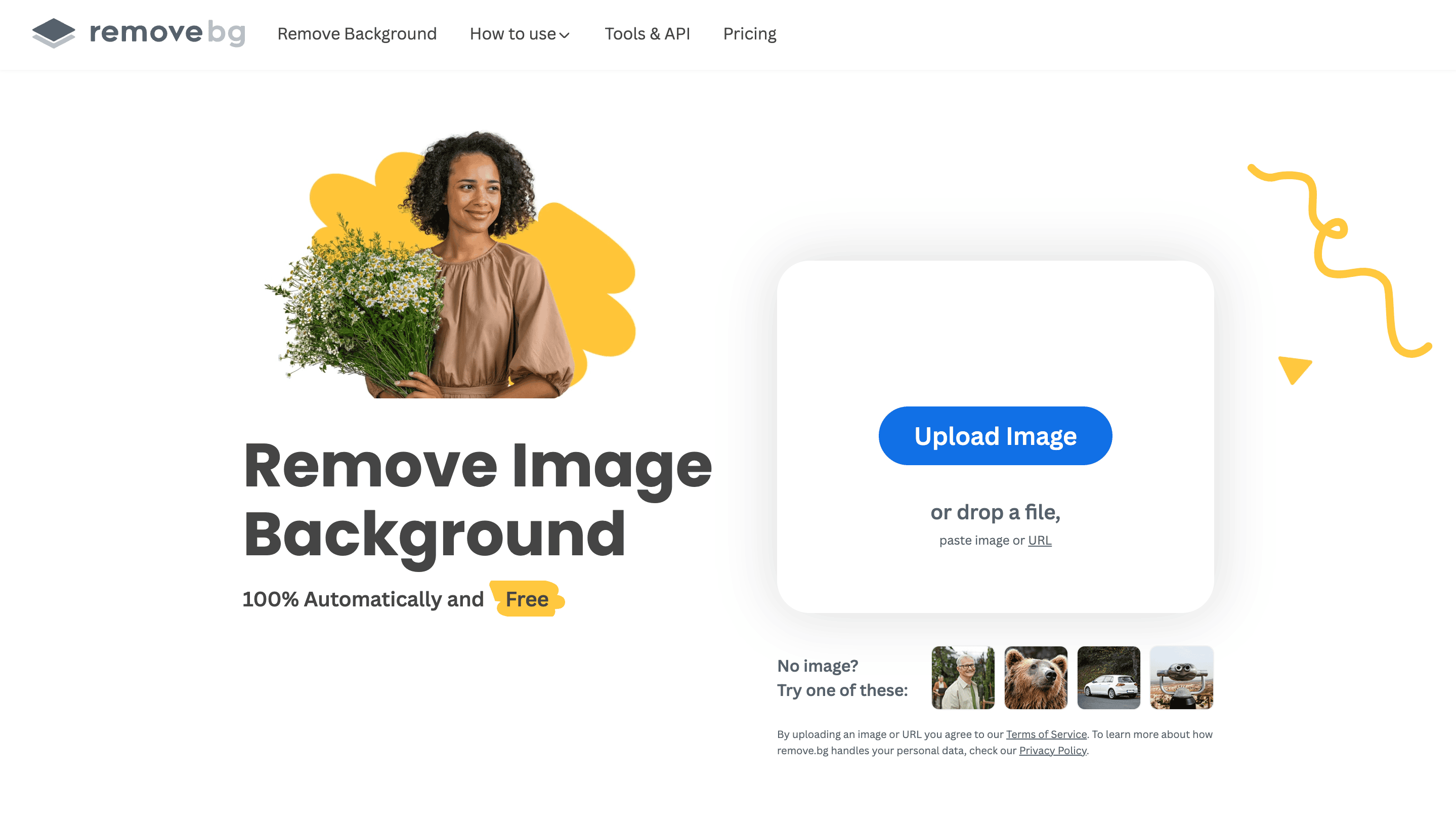
Remove.bg is a popular tool known for its accuracy and speed. However, to download images in HD, you need to purchase credits or subscribe to a plan.
Pros:
- Fast and accurate background removal
- API integration available
Cons:
- HD downloads require payment
- Limited free usage
Pricing:
- Subscription Plan: maximum of $0.23 USD/image to a minimum of $0.09 USD/image
- Pay-as-you-go: maximum of $1.99 USD/credit to a minimum of $0.21 USD/credit
3. Removal.ai

Removal.ai uses advanced AI technology to deliver fast and accurate background removal. It is a versatile tool but high-resolution downloads and extended features require a paid plan.
Pros:
- Supports bulk processing
- API integration
- Desktop application for Windows and Mac
Cons:
- HD downloads require a subscription
- Limited free version features
Pricing:
- Free: 1 free high-res download.
- Monthly subscription: maximum of $0.15 USD/image to a minimum of $0.05 USD/image
- Lifetime subscription: costs $1,89 for one image and $799 for 4,000 images
4. Pixelcut
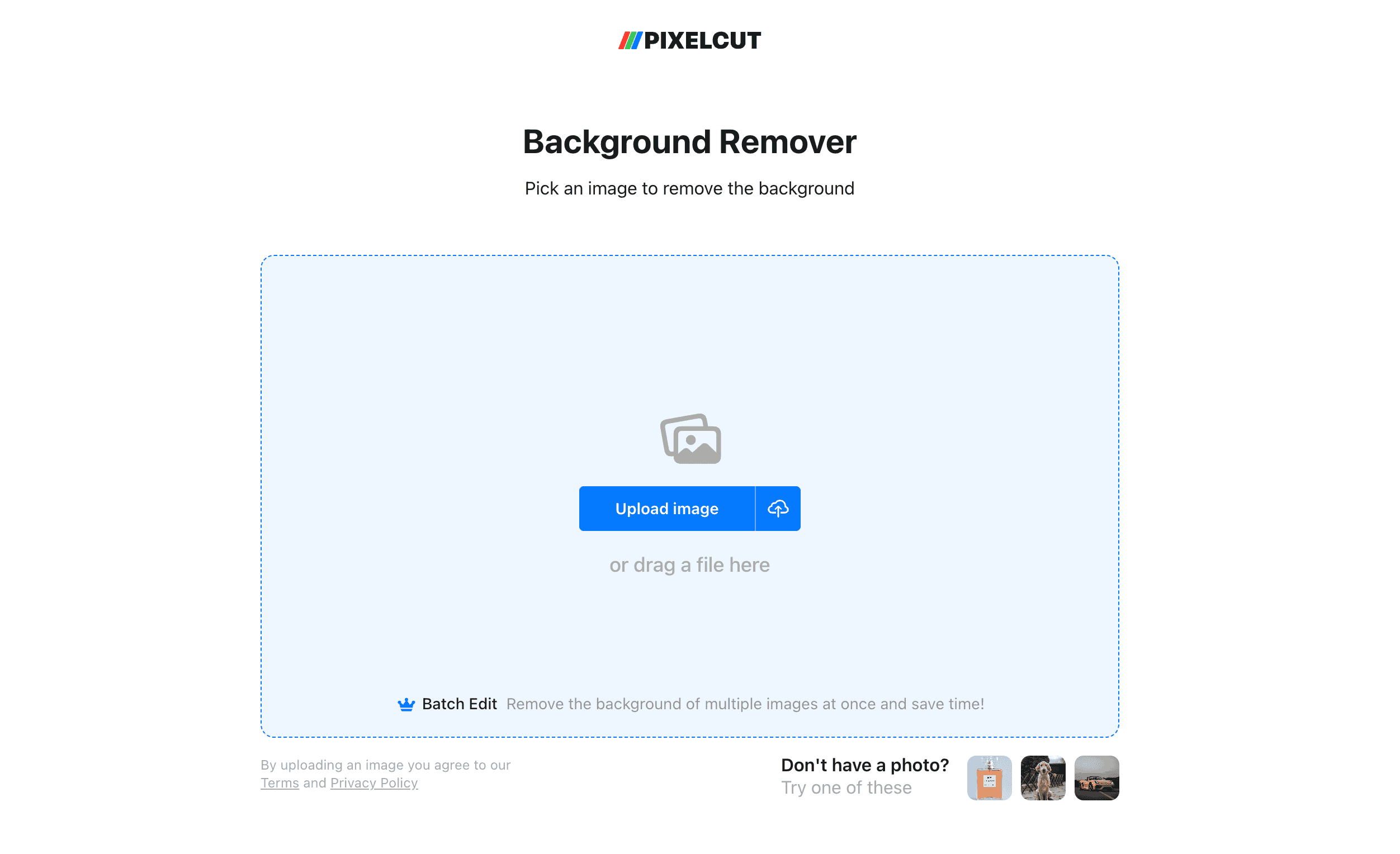
Pixelcut offers a range of tools designed to make background removal and other photo edits easy and efficient. It provides precise background removal but often requires a subscription for high-resolution downloads and additional features.
Pros:
- Variety of editing tools
- Mobile app available
- API integration available
Cons:
- Requires subscription for HD downloads
- Limited free features
Pricing:
- Free: Limited features with watermark on downloads
- Monthly Pro membership: $9.99 USD
- Annual Pro membership: $59.99 USD ($4.99 USD/month)
5. Erase.bg
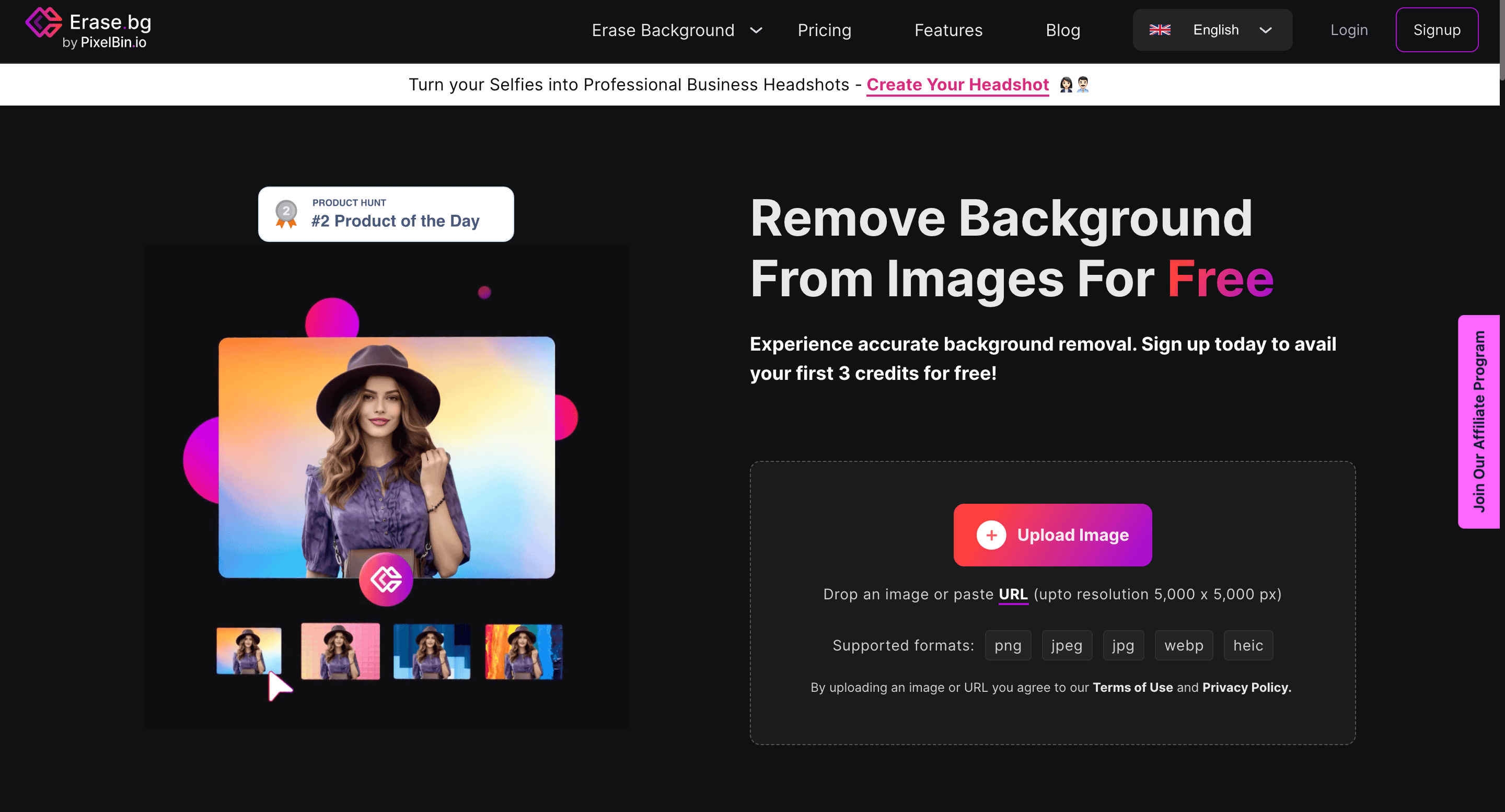
Erase.bg is an automated tool for background removal that offers a straightforward and easy-to-use interface. It performs well for basic edits but requires payment for high-resolution downloads.
Pros:
- API integration available
- Supports bulk processing
- User-friendly interface
Cons:
- HD downloads require payment
- Limited editing features
Pricing:
- freePlan: 3 free credits and 3 free downloads
- Pay-as-you-go: maximum of $0.63 USD/credit to a minimum of $0.20 USD/credit
- Subscription: Plans starting at $0.9 USD/credit to $0.07 USD/credit
6. Fotor
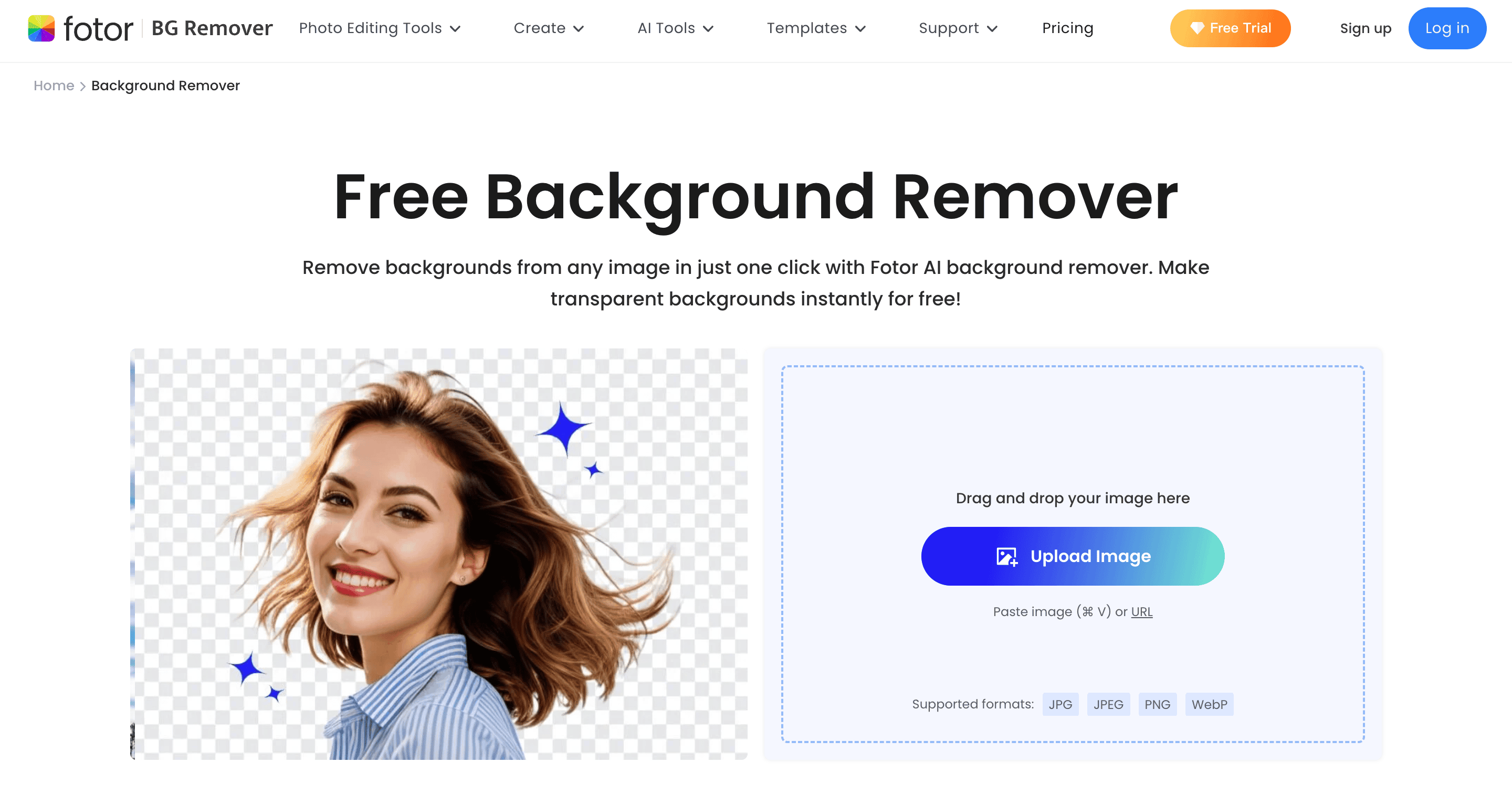
Fotor provides an online background remover along with other photo editing features. It is user-friendly but requires payment for HD downloads.
Pros:
- Easy to use
- Various editing features
Cons:
- HD downloads require a subscription
- Limited free version features
Pricing:
- Fotor Basic: Limited features with watermark on downloads
- Fotor Pro: $3.99 USD/month for HD downloads and additional features
- Fotor Pro+: $7.99 USD/month for HD downloads and additional features
7. Pixlr
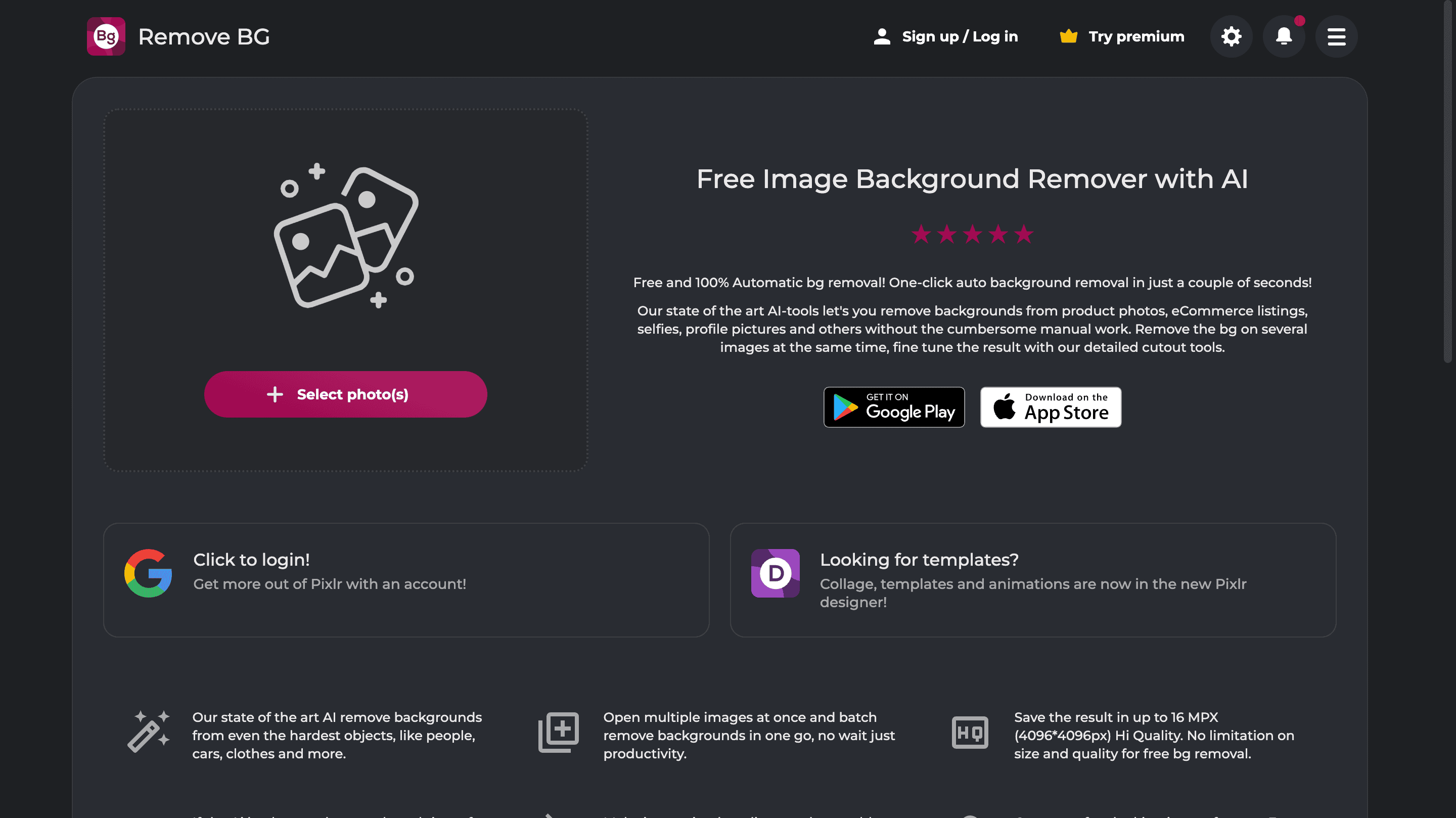
Pixlr offers powerful editing tools and background removal. It is a versatile option but can be complicated for beginners.
Pros:
- Robust editing features
- Accurate background removal
Cons:
- Requires a subscription for HD downloads
- Complex interface for new users
Pricing:
- Pixlr Premier: $4.99 USD/month
- Pixlr Plus: $0.99 USD/month
- Pixlr Team: $9.91 USD/month
8. Canva
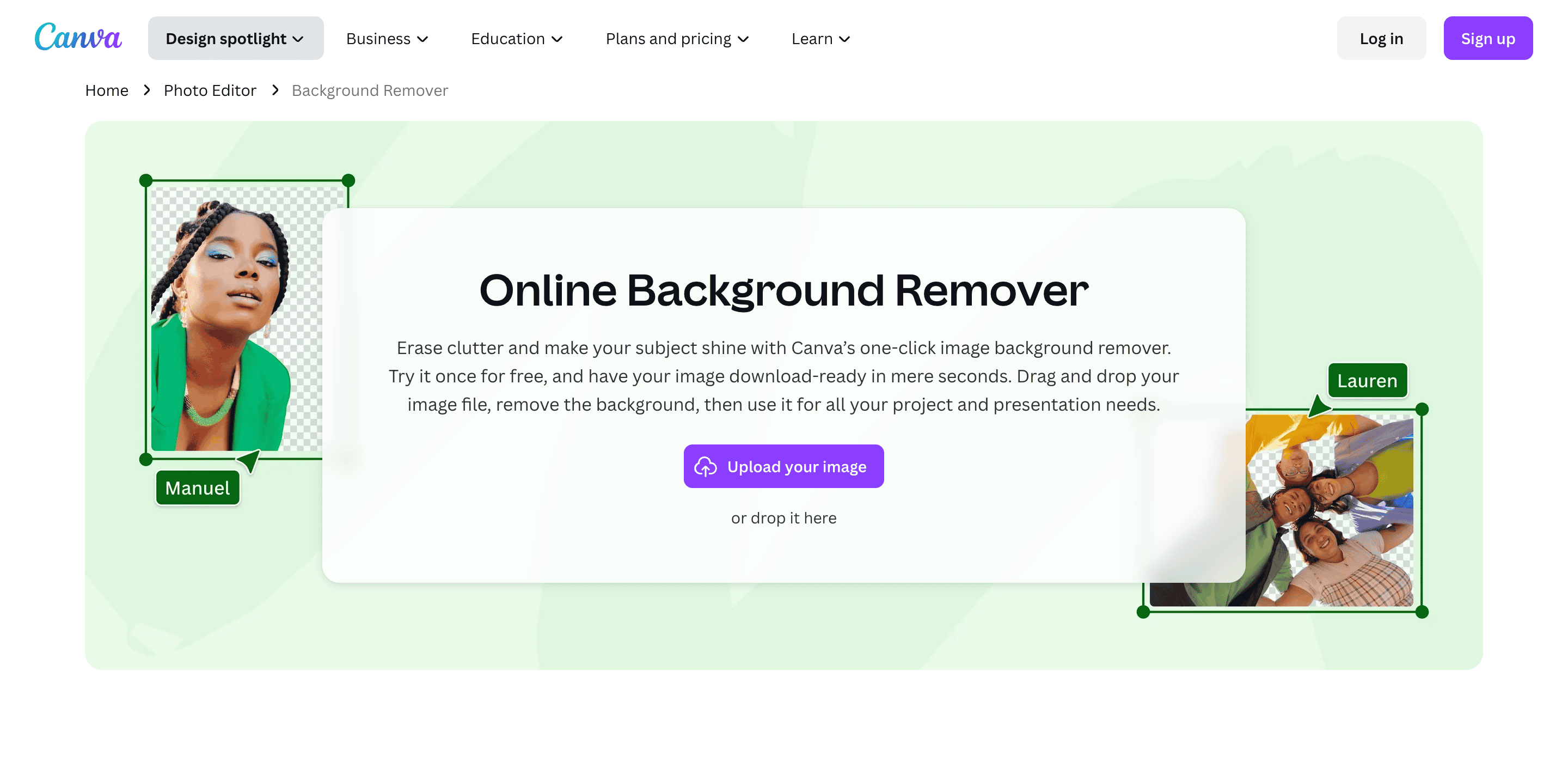
Canva is well-known for its design capabilities and includes a background remover tool. It is user-friendly but HD download options are limited to premium users.
Pros:
- Intuitive design tools
- Easy background removal
Cons:
- HD downloads available for premium users only
- Limited free features
Pricing:
- Canva Pro monthly: $15 USD/month
- Canva Pro annual: $120 USD/year
- Canva for Teams monthly: $10 USD/month per person, minimum 3 persons ($30 USD/month)
- Canva for Teams annual: $100 USD/year per person, minimum 3 persons ($300 USD/year)
9. Remove-BG.ai
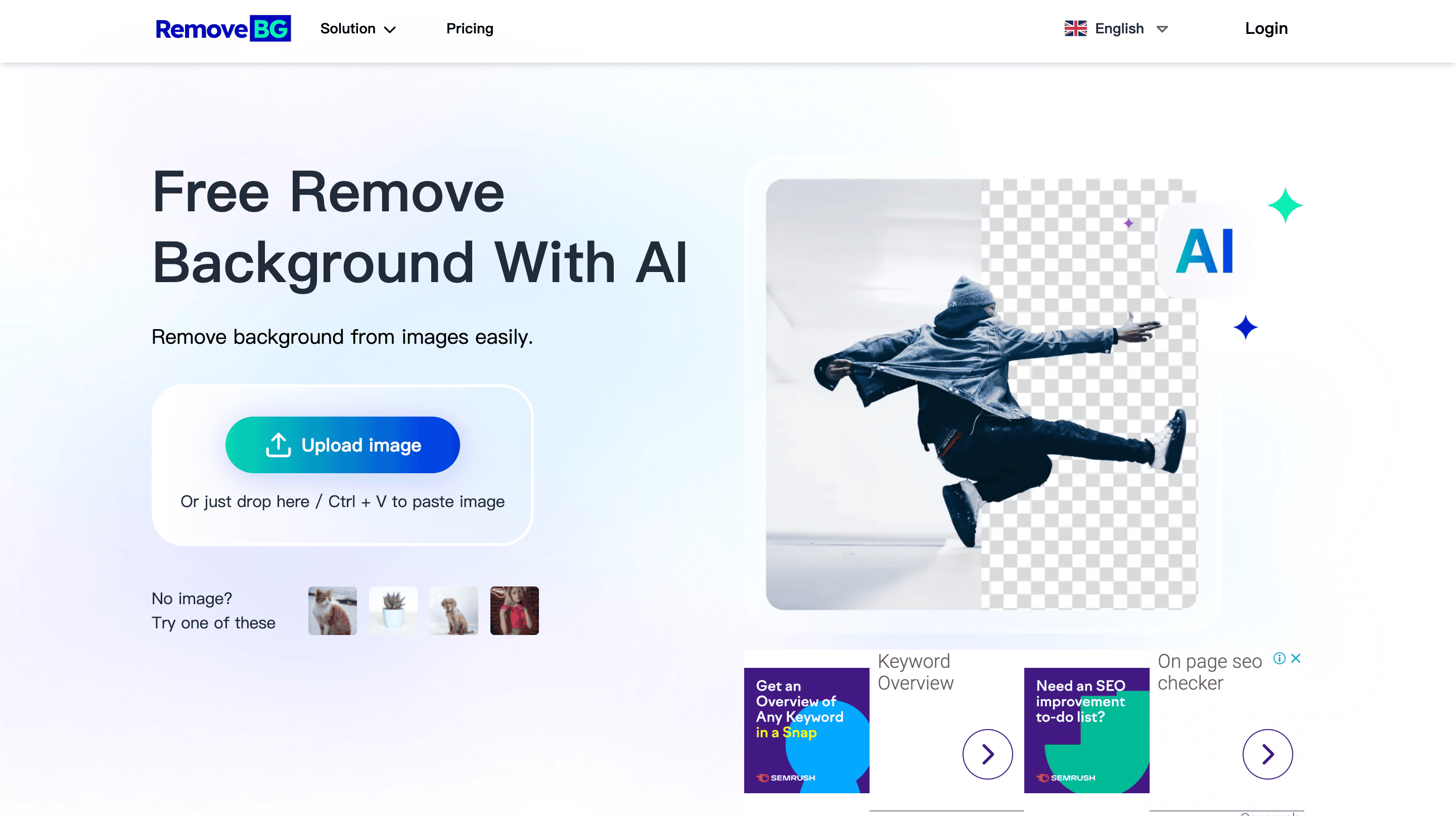
Remove-BG.ai offers a robust AI-driven background removal tool that is designed to provide quick and accurate results. It supports multiple file formats and is compatible with various devices, but high-resolution downloads require payment.
Pros:
- Accurate and fast background removal
- Supports multiple file formats
- Compatible with various devices
Cons:
- HD downloads require payment
- Limited free version features
Pricing:
- Free: Low-resolution downloads
- Subscription Plan: maximum of $0.12 USD/image to a minimum of $0.05 USD/image
- Pay-as-you-go: maximum of $0.5 USD/credit to a minimum of $0.12 USD/credit
10. Photoroom
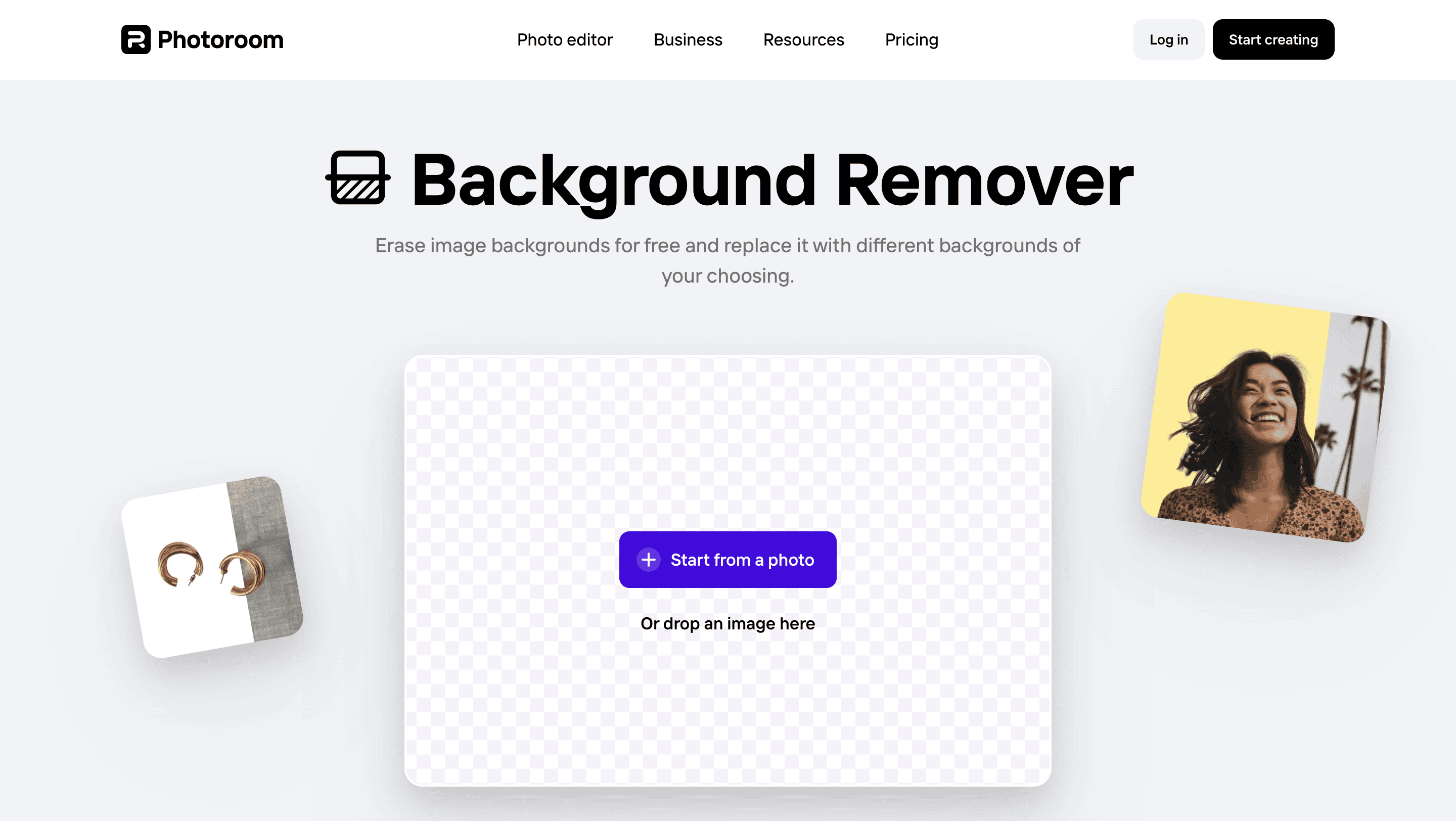
Photoroom is a versatile tool aimed at creating professional-looking photos with removed backgrounds. It offers various templates and editing tools, but high-resolution downloads and full access to features require a subscription.
Pros:
- Supports bulk processing
- API integration
- Mobile app available
Cons:
- Requires subscription for HD downloads
- Limited free features
Pricing:
- Free Plan: Limited features with watermark on downloads.
- Photoroom Pro: $9.99 per month or $69.99 annually
In conclusion: how to choose the best background remover for you?
When it comes to choosing the best AI background removal tool, there are many options to consider. Tools like Remove.bg, Pixelcut, and Removal.ai offer reliable and fast background removal services but often require payment for high-resolution downloads. Erase.bg, Fotor, and Photoroom provide additional editing features and templates, catering to more specific needs but also come with similar pricing models.
Photiu.ai distinguishes itself with its user-friendly interface and the ability to download high-resolution images for free. While it may not have as many advanced editing features as some competitors, it provides a highly effective and straightforward solution for those who need quick and accurate background removal without incurring additional costs.
Each tool has its strengths, and the best choice will ultimately depend on your individual needs and budget. 👍🏻
 모든 블로그 포스트로 돌아가기