


Better Remove bg Alternative
Simple, Free, and Precise
Drag image(s) or ZIP file, paste an image or URL
Looking for a Remove.bg Alternative?
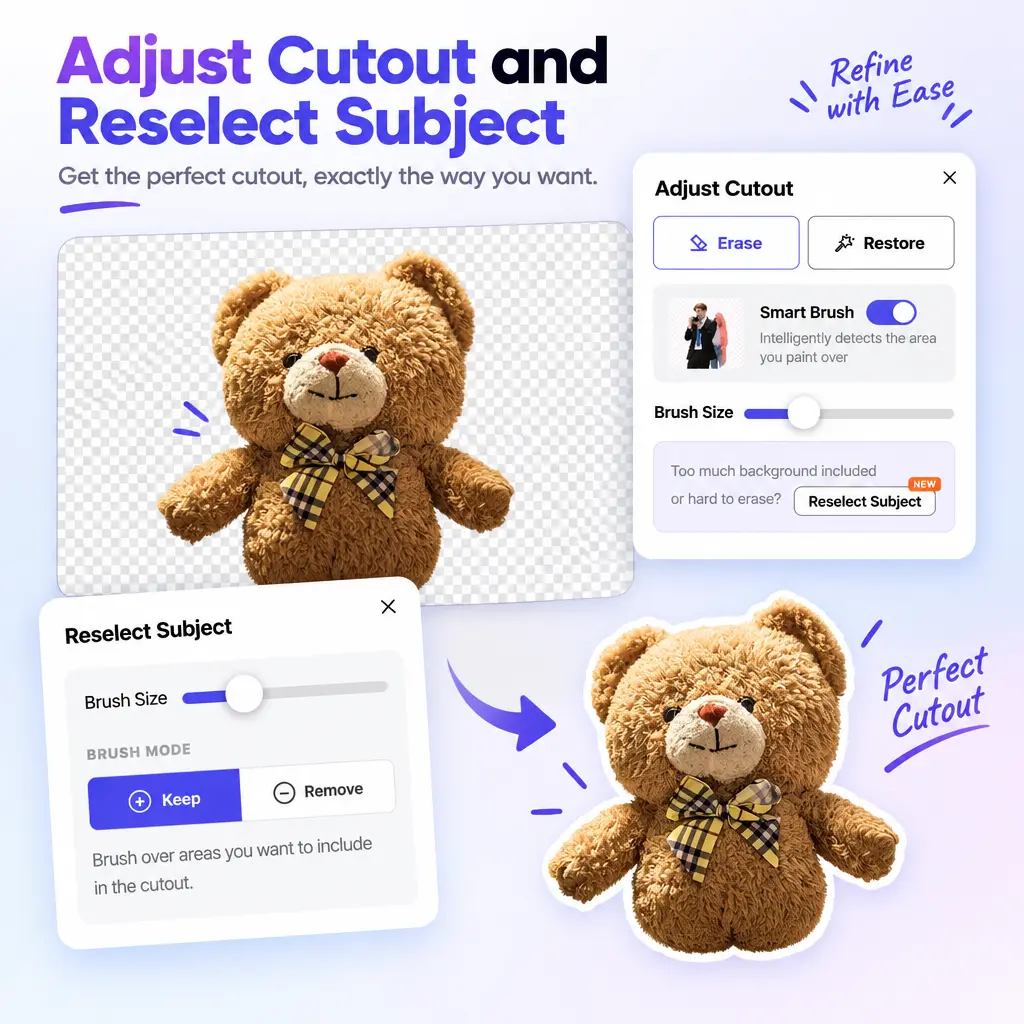
What Separates This Remove.bg Alternative: Smart Cutout Correction
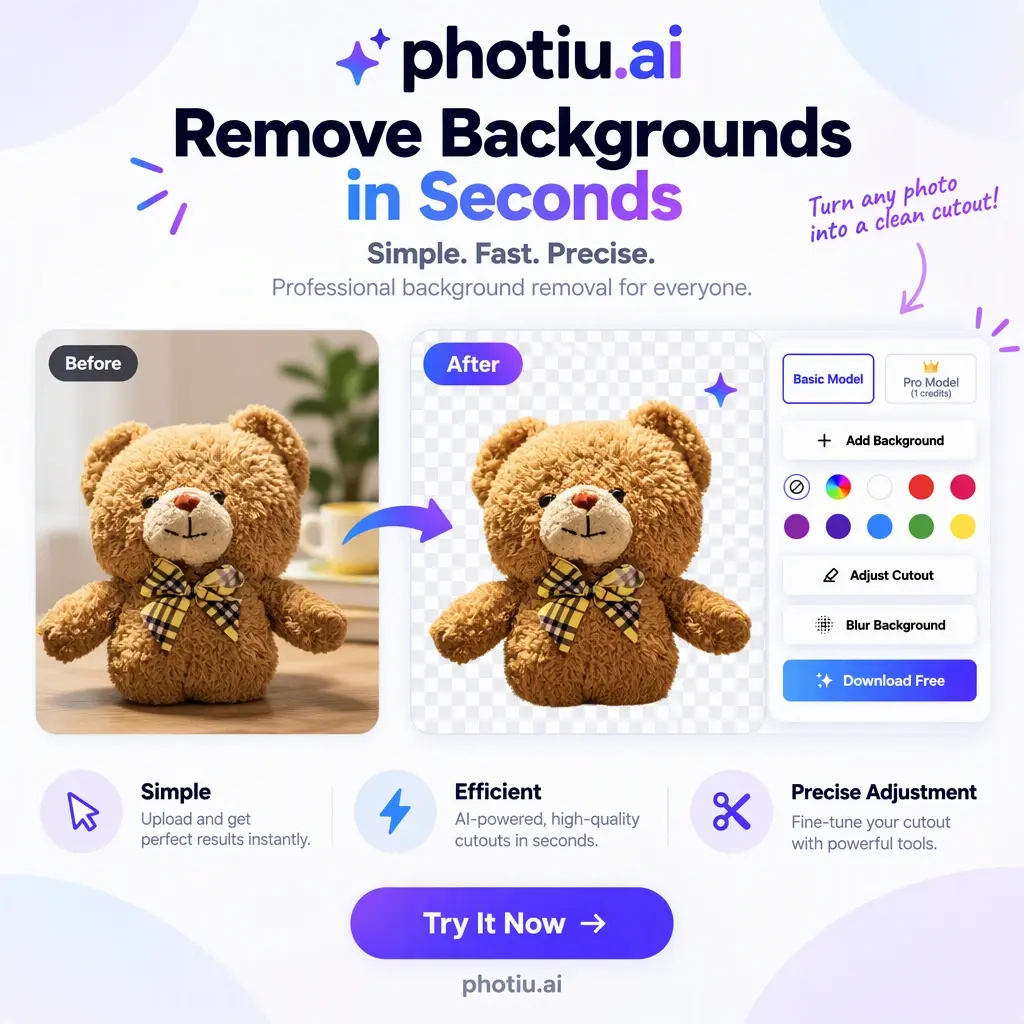
How to Switch from remove.bg to This Alternative
Upload your photo
Drag in a single image, a batch of up to 50 files, or a whole ZIP folder — the same JPG, PNG, and WEBP files you used on remove.bg. The uploading starts the AI automatically.Review the cutout and refine if needed
If the automatic cutout is already clean, skip ahead. If the edges need work on hair, fur, or transparent materials, open the Adjust Cutout brushes and erase or restore at the object level. If the AI picked the wrong subject, use Reselect Subject — brush over the correct subject and the mask rebuilds instantly. This correction step is what makes the difference on complex images, not just simple ones.Download your transparent PNG
Export a full-quality transparent PNG, or swap in a solid background color first — useful for marketplace listings that require white backgrounds.Frequently Asked Questions About This Remove.bg Alternative
What does Photiu offer that remove.bg couldn't?


Photiu gives you more control when an AI cutout needs fixing. Adjust Cutout: Smart erase and restore tools help preserve hair, fur, and fine edges while removing unwanted areas. Reselect Subject: If the wrong object was selected, brush over the correct subject to rebuild the mask. Remove.bg also provides cutout adjustment, but correcting misidentified subjects or delicate details can be difficult in some images. Photiu helps make those edits easier, with both tools available for free.
Can this remove.bg alternative handle difficult images?
Yes — complex multi-subject photos are covered by Reselect Subject, fine edges by the Adjust Cutout brushes. For blurry or low-resolution source files — where every remover struggles — run the image through Photiu's free image upscaler first, then remove the background from the enhanced version. Difficult images are exactly where this tool separates itself from alternatives that only automate.
Is this remove.bg alternative really free?
Yes. Photiu’s Basic model can be used without signing in. After you log in, you can download HD background-removal results for free—no payment or credits required. Adjust Cutout and Reselect Subject are also free, giving you the ability to refine edges, restore missing details, or choose the correct subject when needed.