Exact sizes, ready to use
Choose a social or store preset in this image resizer, or type your own width and height.






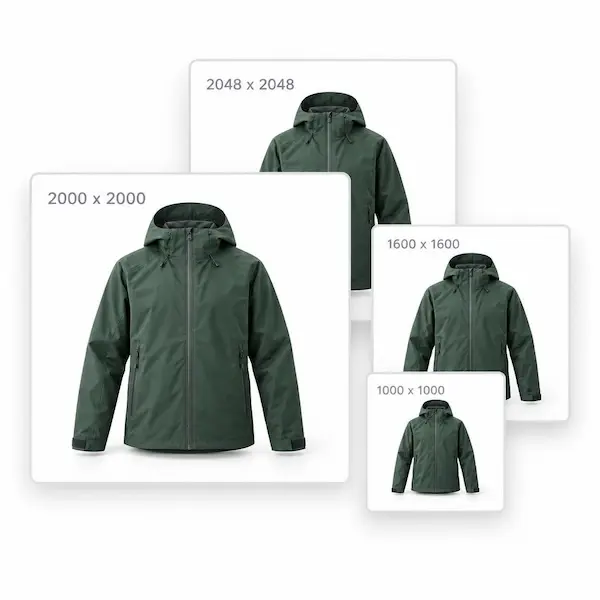
Amazon main images need to be square. The longest side should be at least about 1000 pixels so shoppers can zoom in, and 2000 pixels is the size most listings use.
Use a square product photo and upload it large enough. Shopify makes the smaller listing images from that file, so you do not need a separate thumbnail.
eBay listing photos look clearest when the longest side is about 1600 pixels. A square frame is the least likely to be cropped in search results.
Etsy listing photos should be at least 2000 pixels on the shortest side. A square image fits the shop grid and still has enough detail when a buyer zooms in.
Choose a social or store preset in this image resizer, or type your own width and height.
Resize image on your device while you edit. No account is required, and the file is not uploaded to be processed.
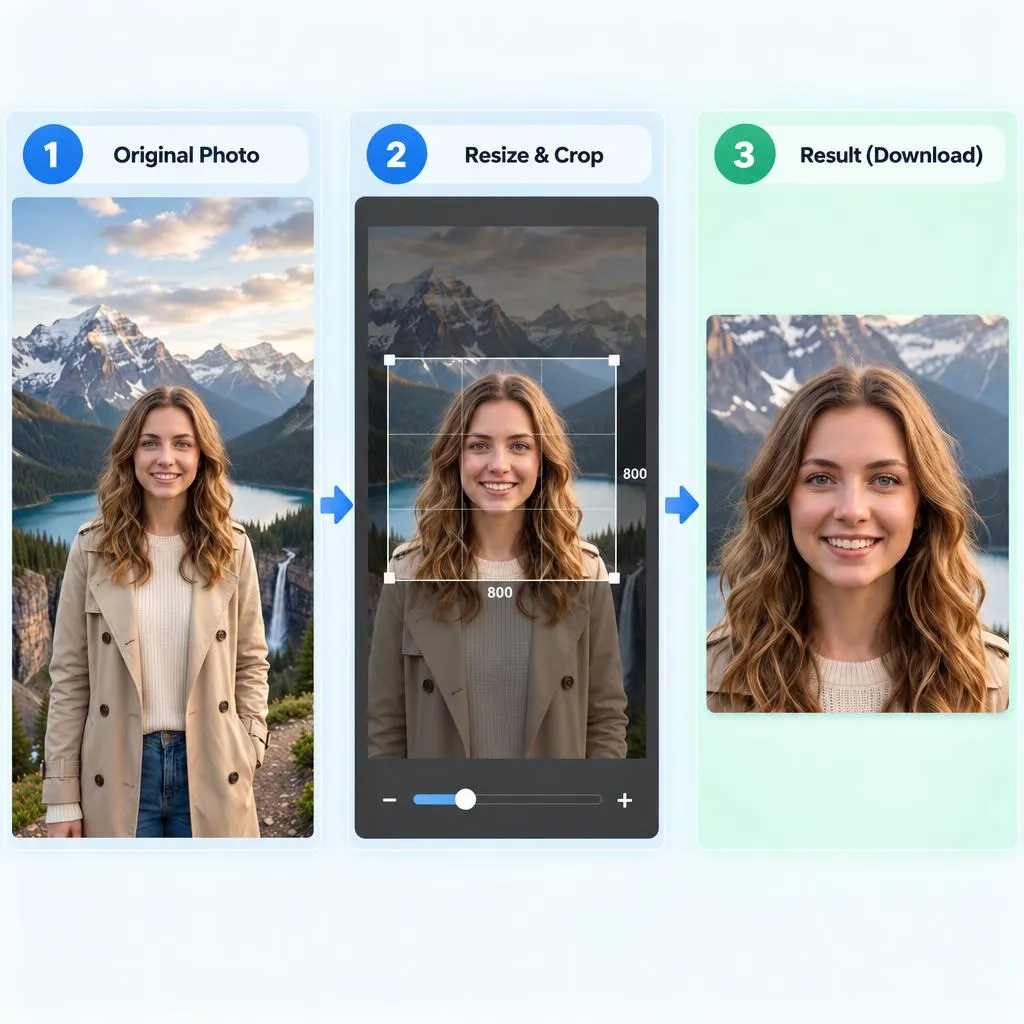
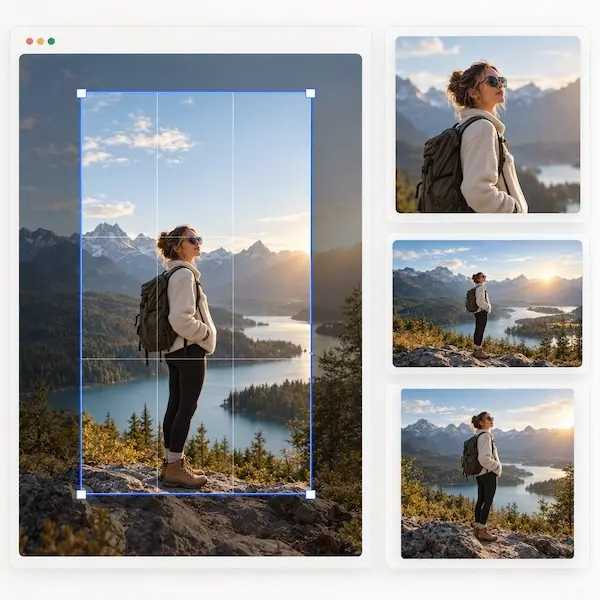
Drag and zoom the photo inside the frame, then resize image to the crop you see. No extra editor, no surprise crop.
Drop a file or use a sample.
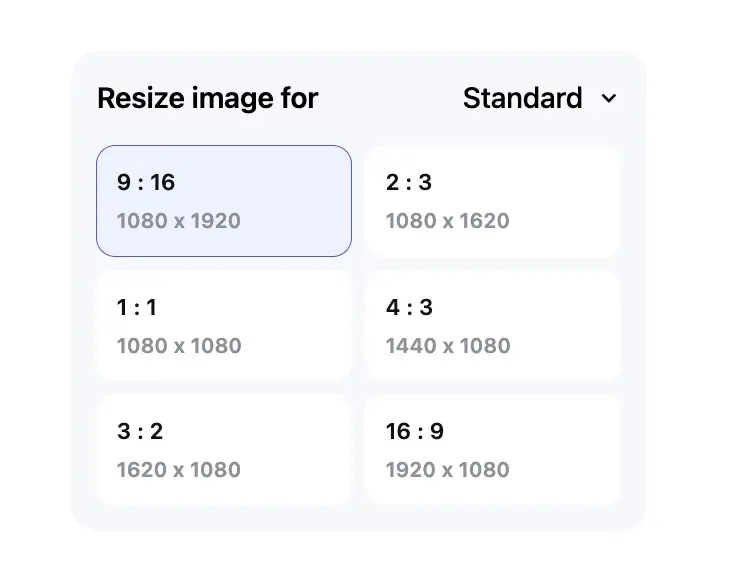
Choose a preset or enter pixels.
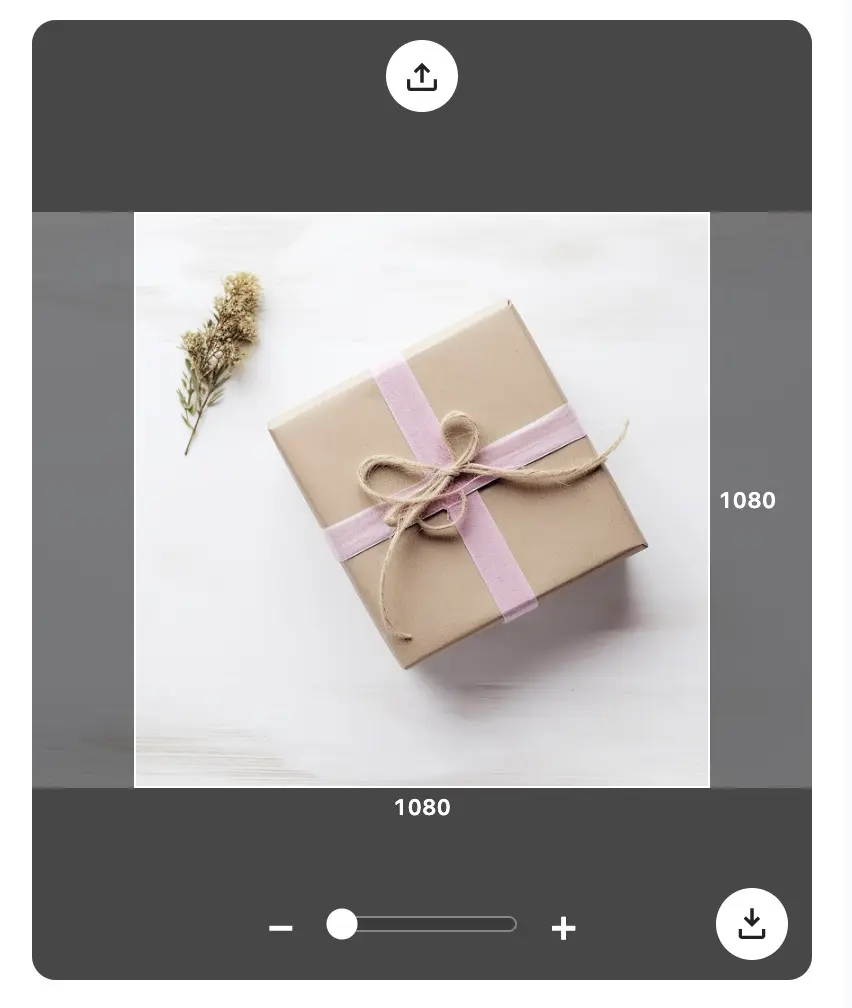
Preview the crop, then save.


Yes. You can resize image online free in your browser. There is no account and no charge. Upload a photo, pick a size, and download the result.
The image resizer accepts JPG, JPEG, PNG, and WEBP. After you resize image pixels, you can download the file as JPG, PNG, or WEBP.
Choose a platform preset, or open Custom and type a width and height. Each side can be from 180 to 10000 pixels. The frame on screen is the pixel size the image resizer downloads.
Pick an Instagram size before you upload it there: 1080 x 1080 for a square post, 1080 x 1350 for a portrait post, or 1080 x 1920 for a story, reel, or live. Drag and zoom so the subject stays inside the frame. That is how you resize image for Instagram without cropping after the file leaves this page.
This image resizer sets width and height, not a target file size. A smaller pixel size and a JPG download are usually smaller than a large PNG. It does not guarantee a file of exactly 20KB, 50KB, 100KB, or 200KB.
Yes. Turn on Keep original aspect ratio. Changing the width updates the height from the same ratio, and the other way around, so the photo is not stretched.
No. The image resizer runs in this browser session. Your original file stays where it is, and you download a new file when the size looks right.