


Free Transparent Background Image Maker
Drag image(s) or ZIP file, paste an image or URL
No photo? Pick one for you.
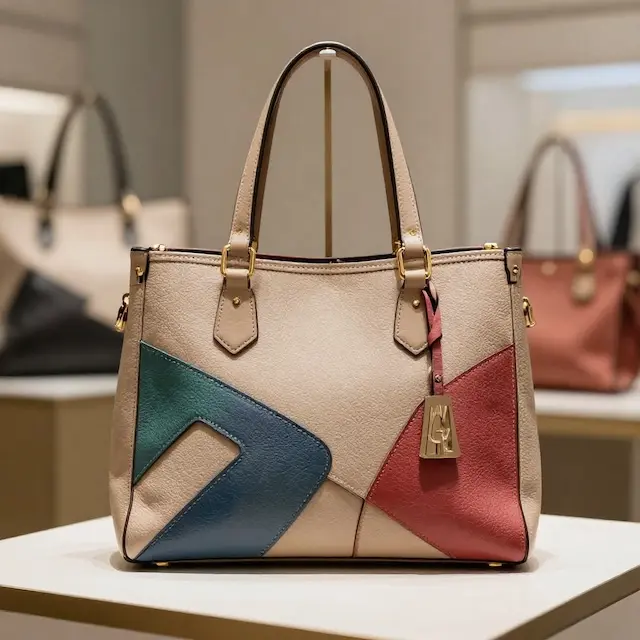
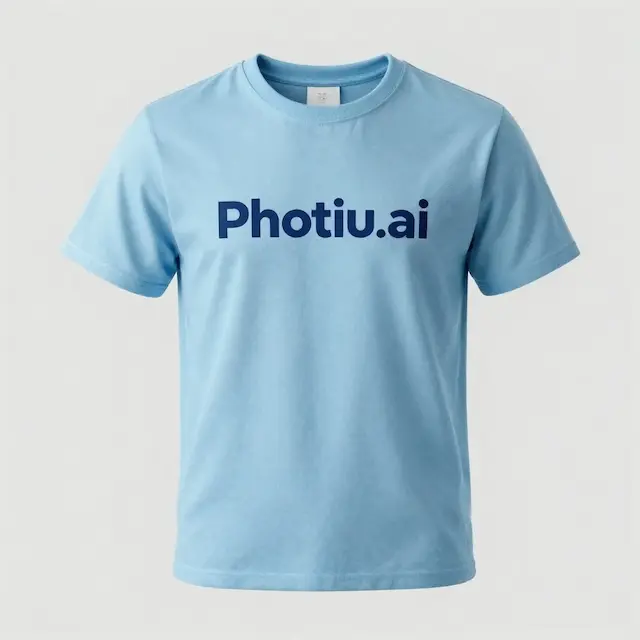

Why Transparent Background Matters?
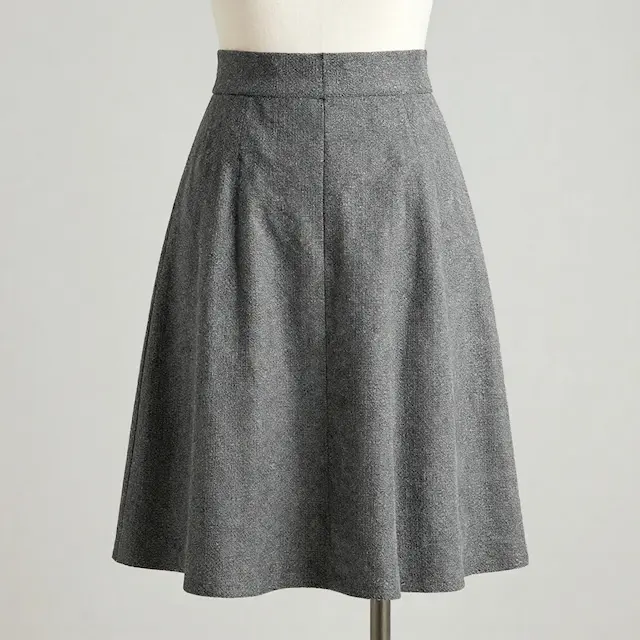
Features of our Transparent Background maker
Smart AI, Perfect Cutouts
Get flawless transparent backgrounds in seconds with our advanced AI technology. From challenging hair strands to reflective glass, our tool identifies every edge perfectly. Enjoy high-quality, studio-ready results automatically, so you can focus on creating instead of masking.Effortless One-Tap Editing
Turn any background transparent in an instant with a single click. You don’t need to be a Photoshop expert or a professional designer—our tool is built for everyone who values speed and quality. Whether you're refining product shots, isolating logos, or prepping social media posts, we make it easy.High-Fidelity PNG Outputs
Every image you process is exported as a high-definition PNG with pixel-perfect transparency. Designed to meet the demands of both digital and print media, our tool ensures your assets remain sharp and clear, whether they’re on a website banner or a large-scale advertisement.How to make background transparent
Upload your Image File
Upload your source file in PNG, JPG, WEBP, AVIF, or HEIC format. We support all major image formats.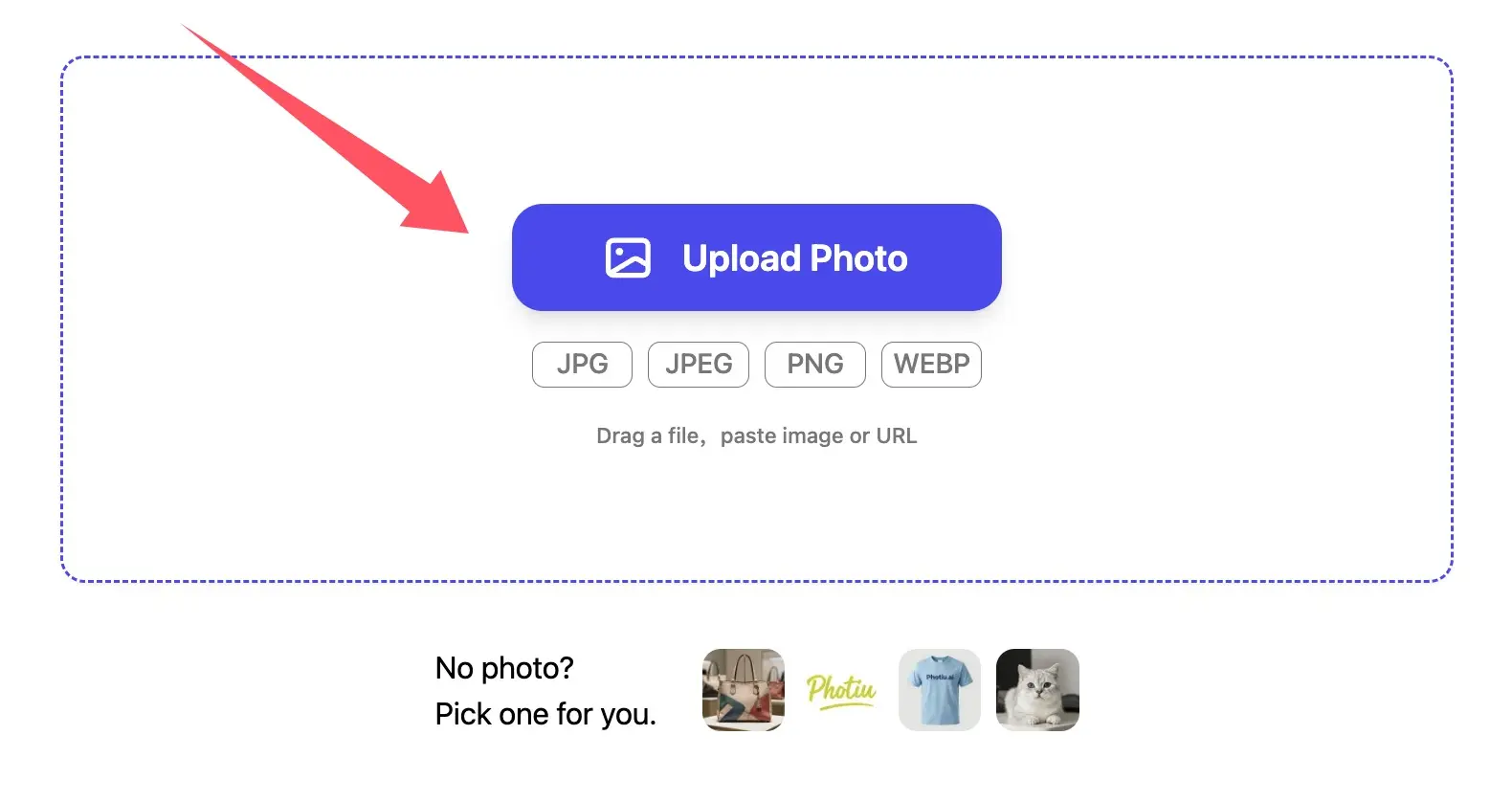
Make Transparent Background Automatically
Transform any image with our smart transparent background tool. In just seconds, the AI detects your subject to create a flawless transparent background for any logo, product photo, or portrait.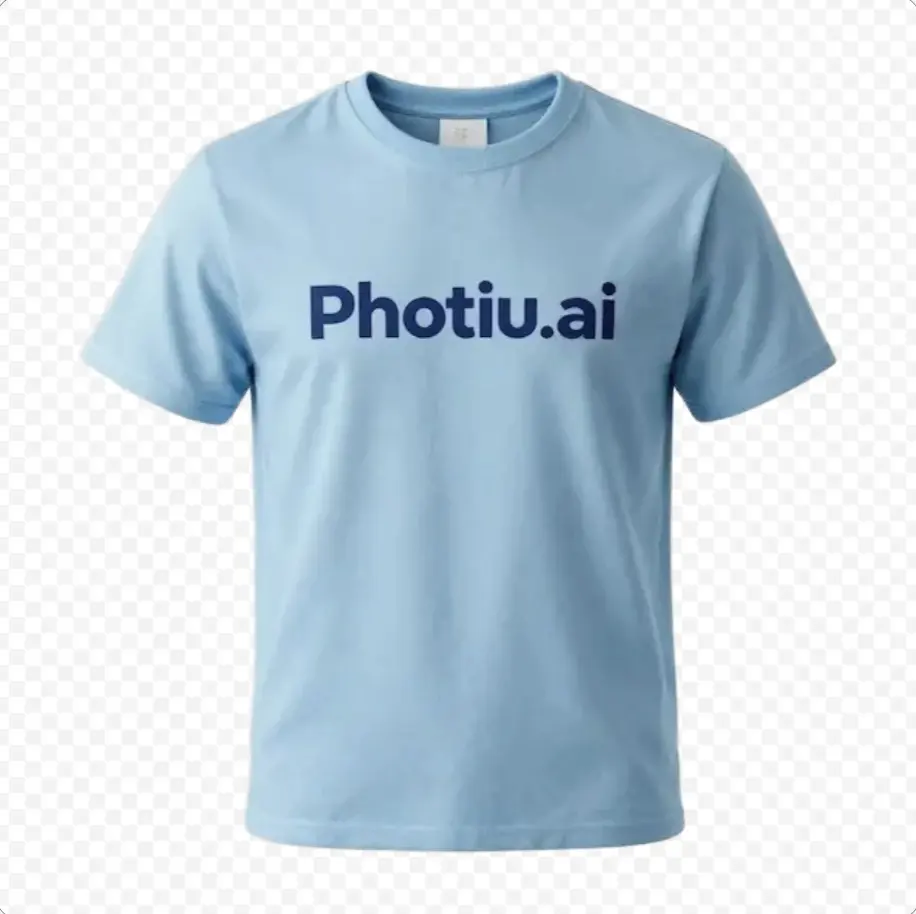
Instant Download & Ready to Use
Simply click the Download button to save your high-resolution image with a transparent background instantly.FAQ
How can I style my image when I use this AI transparent background maker?


Our tool makes it easy to customize every AI transparent photo. You can choose to make the background transparent for a clean look, or perform an image background change using our library of colors and gradients. From a standard AI transparent background image to a fully redesigned visual, you have total control over the final result.
Does the AI transparent background tool support different image styles?
Yes! Our transparent background tool works perfectly for portraits, products, and creative designs. It’s the easiest way to make the background transparent and achieve a professional photo background change. Whether it’s a fast change background in photo for a post or a detailed AI transparent background image for a website, our AI ensures a clean, sharp cutout every time.
Is there a cost to generate an AI transparent background photo?
Not at all. You can produce a crisp AI transparent background photo at zero cost. Our transparent background maker lets you make the image background transparent for any photo with no watermarks. It’s the fastest, free way to get a professional AI transparent photo for your projects.
What makes Photiu one of the best transparent background tools?
Photiu’s AI transparent background maker is designed for speed and precision. It’s the perfect tool to make an image background transparent for e-commerce and social media. With Photiu, you can create a high-res AI transparent background image, then seamlessly change the background in photo using our built-in library of styles. It’s the fastest way to transform a raw AI transparent photo into a professional, ready-to-use asset.
Make Transparent Background Now
Drag image(s) or ZIP file, paste an image or URL